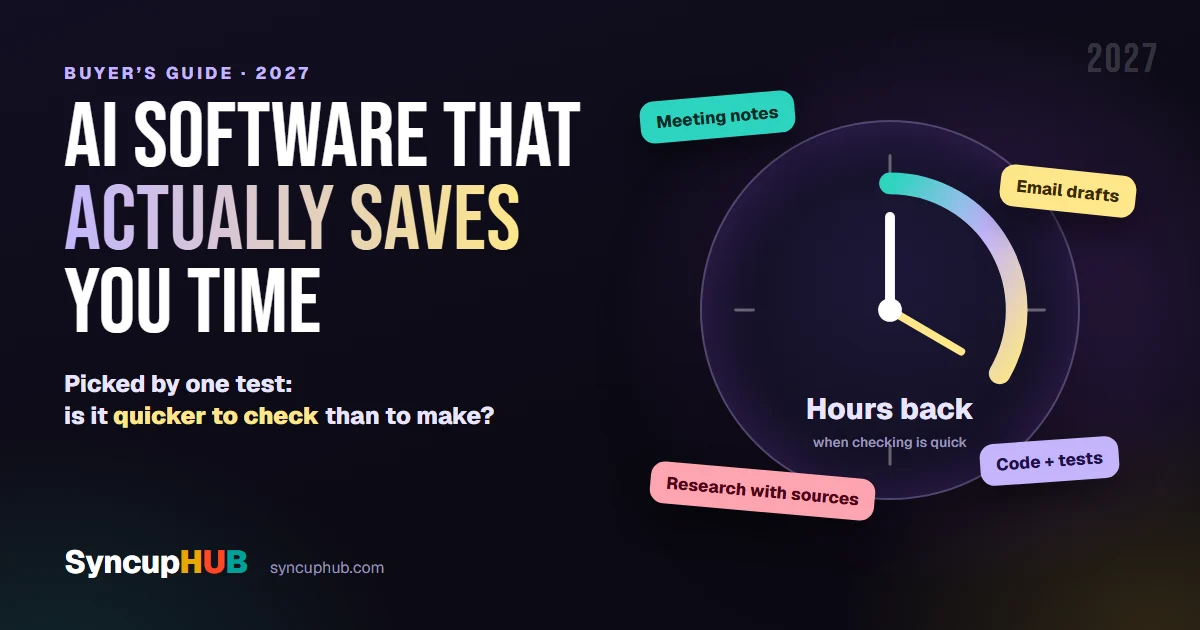
AI software that actually saves you time in 2027
The AI tools that genuinely save hours, from meeting notes to code, task by task, and a simple test for spotting the ones that only add work.
Disclosure. Published by SyncupHUB, which is one of the tools in this guide. We describe each tool by what it is established to do, not by prices or plan details, which change often; check each vendor’s site before you choose.
Short answer
Which AI software actually saves you time?
The AI software that saves real time handles work you can check quickly: meeting notes with Otter, Fireflies or Granola, email drafts in Gmail or Outlook, research with sources in Perplexity or NotebookLM, and code with tests in GitHub Copilot, Cursor or Claude Code. Start where your hours go.
Every app now has an AI button. Most of them save you a little typing and cost you a little checking, which nets out to roughly nothing.
A few genuinely give hours back. This guide is about those, sorted by the job you are trying to get off your plate, with one simple test for telling the difference before you pay.
The one test: is it quicker to check than to make?
AI saves time when checking its output is much faster than producing it yourself. That single question predicts more than any feature list.
- A meeting summary takes thirty seconds to check against your memory and fifteen minutes to write. Big saving.
- A first draft of an email is quick to read and fix. Saving.
- Code with tests is checked by running the tests. Saving.
- A statistic for a board paper has to be traced to its source either way. Little or no saving, and a real risk.
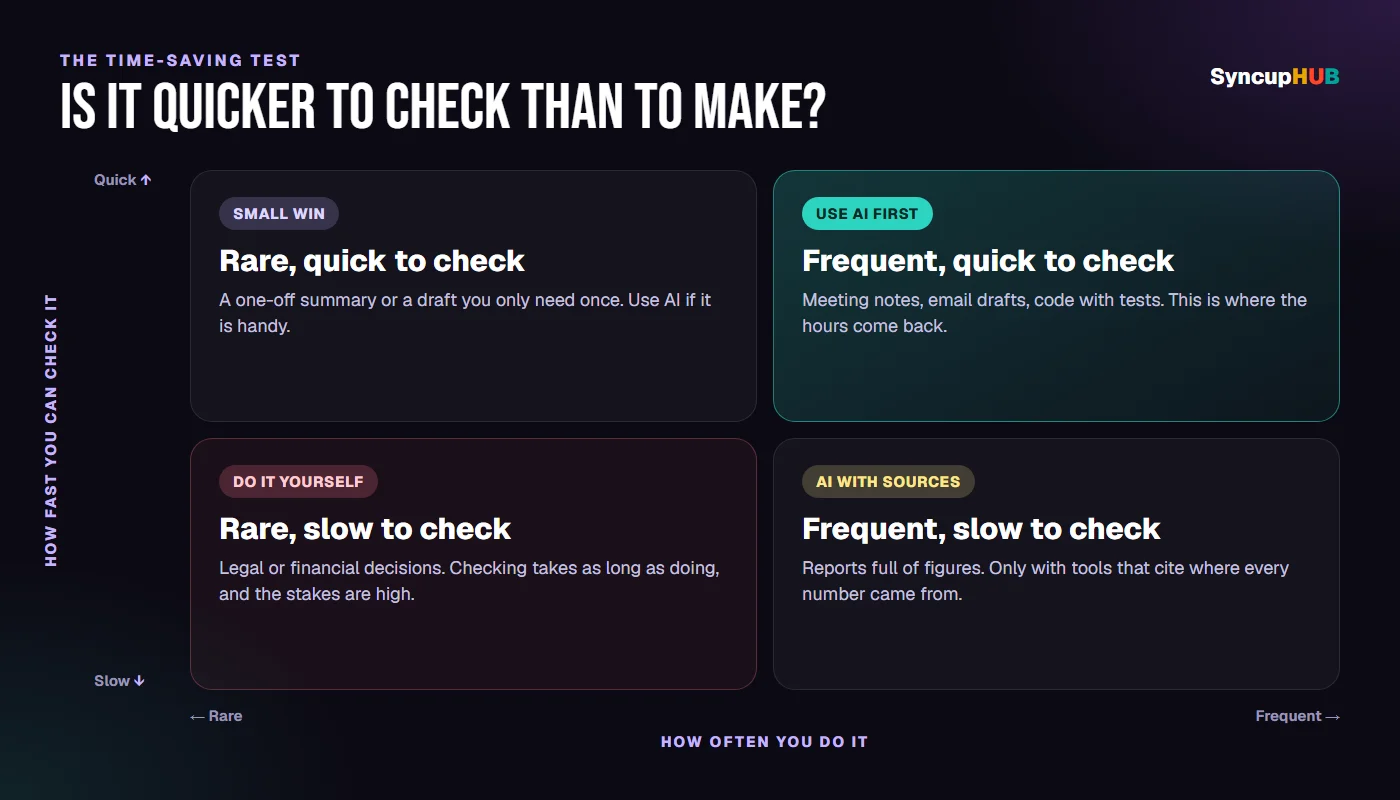
The time AI saves is the time to make it, minus the time to check it.
Meetings and notes
For most people this is the biggest single win: notes, decisions and actions from every meeting, without anyone typing.
Otter
Joins your Zoom, Google Meet or Teams calls, transcribes them live and writes a summary with action items. Visit Otter
Watch for: tell people they are being recorded; in many places you must.
Fireflies
Records, transcribes and summarises meetings, and lets you search across all of them later. Visit Fireflies
Watch for: a library of every meeting is only useful if someone actually searches it.
Granola
Works from your own device instead of sending a bot into the call, and turns your rough notes into clean ones using the meeting audio. Visit Granola
Watch for: it builds on what you jot down, so write the key points yourself.
Already paying for Zoom, Microsoft 365 or Google Workspace? Their built-in assistants, Zoom AI Companion, Copilot in Teams and Gemini in Google Meet, may already include this, depending on your plan.
Writing and email
First drafts, replies and rewrites are quick to check, so they are a safe place to start.
Gemini in Gmail
Drafts replies, summarises long threads and helps you write in the inbox you already use. Visit Gemini in Gmail
Watch for: a polished reply can still promise something you did not mean to.
Copilot in Outlook
Summarises threads and drafts replies inside Outlook, using the context of your mail. Visit Copilot in Outlook
Watch for: it is only as current as what is in your mailbox.
Grammarly
Fixes grammar and tone, and rewrites sentences, in almost any app you type in. Visit Grammarly
Watch for: it smooths your voice into everyone else’s if you accept every suggestion.
Research and reading
The tools that save time here are the ones that show their sources, because checking a citation is quick and trusting an uncited answer is not.
Perplexity
Answers questions from the web with links to its sources, so you can check each claim in a click. Visit Perplexity
Watch for: open the sources for anything you will repeat; a citation can still be misread.
NotebookLM
Answers questions from documents you upload, with citations back to the exact passage, and can turn them into briefings. Visit NotebookLM
Watch for: it only knows what you give it, which is the point, and also the limit.
General-purpose assistants
ChatGPT (chatgpt.com), Claude (claude.ai), Gemini (gemini.google.com) and Microsoft Copilot (copilot.microsoft.com) are the Swiss Army knives: drafting, summarising, explaining, brainstorming, analysing a spreadsheet you upload.
Pick one and learn it well rather than switching between all four. The time saving comes from knowing how to ask, and from reusing the prompts that work for your recurring tasks.
Watch for: confident answers to questions that needed a source. Ask for one, and check it.
Coding
Developers see some of the largest savings, because tests and code review make the output quick to check.
GitHub Copilot
Completes code as you type, answers questions about your codebase and can take on whole tasks as an agent. Visit GitHub Copilot
Watch for: review agent changes like a colleague’s pull request, not like autocomplete.
Cursor
An AI-first code editor that understands your whole project and makes changes across many files at once. Visit Cursor
Watch for: large multi-file edits are where a quick review misses things.
Claude Code
An agent that works in your terminal: it reads the codebase, runs commands and tests, and makes changes you approve. Visit Claude Code
Watch for: give it a clear task and a way to test it, or it will guess.
Calendar and planning
Reclaim
Finds time in your calendar for tasks, focus time and habits, and moves them when meetings shift. Visit Reclaim
Watch for: it protects time only if you tell it what matters.
Motion
Turns your task list into a daily schedule and re-plans automatically when things change. Visit Motion
Watch for: it is only as good as your time estimates, and most people underestimate.
Automation between apps
The quietest savings: the copy-and-paste work between apps that nobody should be doing by hand.
Zapier
Connects thousands of apps, so a form, an email or a new row can trigger work elsewhere, now with AI steps that can read and write text. Visit Zapier
Watch for: an automation that fails silently costs more than the manual task; add an alert.
n8n
Workflow automation with AI built in, which technical teams can also host themselves. Visit n8n
Watch for: self-hosting means you own the updates and the uptime.
Slides, design and video
Canva
Generates designs, presentations and images, and resizes one design for every format you need. Visit Canva
Watch for: templates look like templates; change the layout as well as the colours.
Gamma
Turns an outline or a document into a full presentation or web page in minutes. Visit Gamma
Watch for: the first version is a starting point, not the deck you present.
Descript
Edits audio and video by editing the transcript, and removes filler words in one click. Visit Descript
Watch for: aggressive clean-up can make speech sound unnatural; listen back.
Project delivery
Status meetings, chasing updates and writing reports eat a surprising share of a delivery team’s week. Our own platform, SyncupHUB, is built for that part of the job:
- The PO Agent checks incoming requests for missing information and drafts requirements and acceptance criteria for the product owner to approve
- The Sync Board runs the daily syncup in its Round table view, so the stand-up starts from the work, not from memory
- Status and risk are read from the work as it happens, and the Delivery Digital Twin flags what is about to slip while there is time to act
Watch for: like every tool here, it proposes and a person approves. That is a design choice, and it is what keeps the checking quick. Cloud is free for the first month if you want to try it on your own delivery.
AI that costs more time than it saves
Some patterns reliably lose time, whatever the tool:
- Output nobody checks, that later has to be found and fixed
- Five tools for one job, each with its own login, habits and bill
- AI on rare, high-stakes tasks, where checking takes as long as doing
- Generated content nobody reads: longer reports are not better reports
How to tell if it is working
Pick one task you do every week. Time it for a week as you do it now. Then time it for two weeks with the tool, counting the minutes you spend checking and fixing the output.
If the second number is not clearly lower, the tool is moving work around rather than removing it. Drop it, and try the next one on your list.
Quick picks
| If you want to… | Start with | Why it saves time |
|---|---|---|
| Stop taking meeting notes | Otter, Fireflies or Granola | Notes and actions are quick to check |
| Clear email faster | Gemini in Gmail or Copilot in Outlook | Drafts appear where you already work |
| Research with sources | Perplexity or NotebookLM | Every claim links to where it came from |
| Ship code faster | GitHub Copilot, Cursor or Claude Code | Tests check the output for you |
| Protect your calendar | Reclaim or Motion | Scheduling re-plans itself |
| Remove copy and paste | Zapier or n8n | The work stops happening by hand |
| Make slides and edits | Canva, Gamma or Descript | A first version in minutes |
| Cut status meetings and reports | SyncupHUB | Status comes from the work itself |
Frequently asked questions
Which AI tools save the most time at work?
For most people, the biggest wins are meeting notes, first drafts of emails and documents, and research with citations, because the output is quick to check. Developers save the most with coding assistants used alongside tests. Start where your hours actually go, not with the most talked-about tool.
Are free AI tools good enough?
Often, for trying them out. Most of the tools here offer a free plan or a trial. Paid plans usually add higher limits, admin controls and stronger data commitments, which matter once a team relies on the tool every day.
Is it safe to put work data into AI tools?
Check your organisation’s policy first. Business and enterprise plans generally commit not to train models on your data and give administrators control; personal accounts may not. Never paste passwords, personal data or confidential figures into a tool your company has not approved.
How do I know if an AI tool is actually saving me time?
Time one recurring task for a week without it and a week with it, and count the checking and fixing as part of the time with it. If the total is not clearly lower after the second week, the tool is moving work around rather than removing it.
Which AI tools help project managers and delivery teams?
Meeting note-takers cover stand-ups and reviews. For the delivery itself, a platform that reads status from the work, such as SyncupHUB, drafts acceptance criteria with its PO Agent, runs the daily syncup on its Sync Board and flags delivery risk early, for a person to approve.
AI that makes work faster to produce but slower to check is a new chore.
AI whose output you can check at a glance is time you get back.
Features in this article
SyncupHUB runs this inside your own tenant — a delivery model that reads the signal as it forms, with an agent for every role.
- 01The one test: is it quicker to check than to make?
- 02Meetings and notes
- 03Writing and email
- 04Research and reading
- 05General-purpose assistants
- 06Coding
- 07Calendar and planning
- 08Automation between apps
- 09Slides, design and video
- 10Project delivery
- 11AI that costs more time than it saves
- 12How to tell if it is working
- 13Quick picks
- 14Frequently asked questions
Keep reading
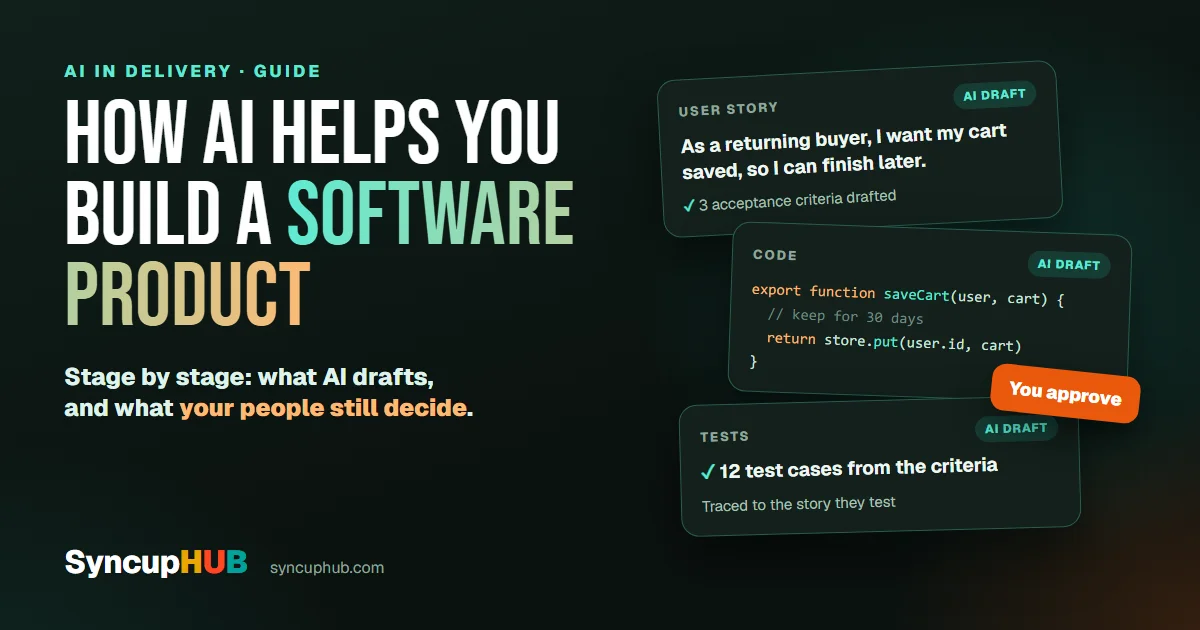
How AI helps you build a software product, stage by stage
Where AI genuinely helps in software product development, from discovery and requirements to code, tests and release, and what your people should still own.
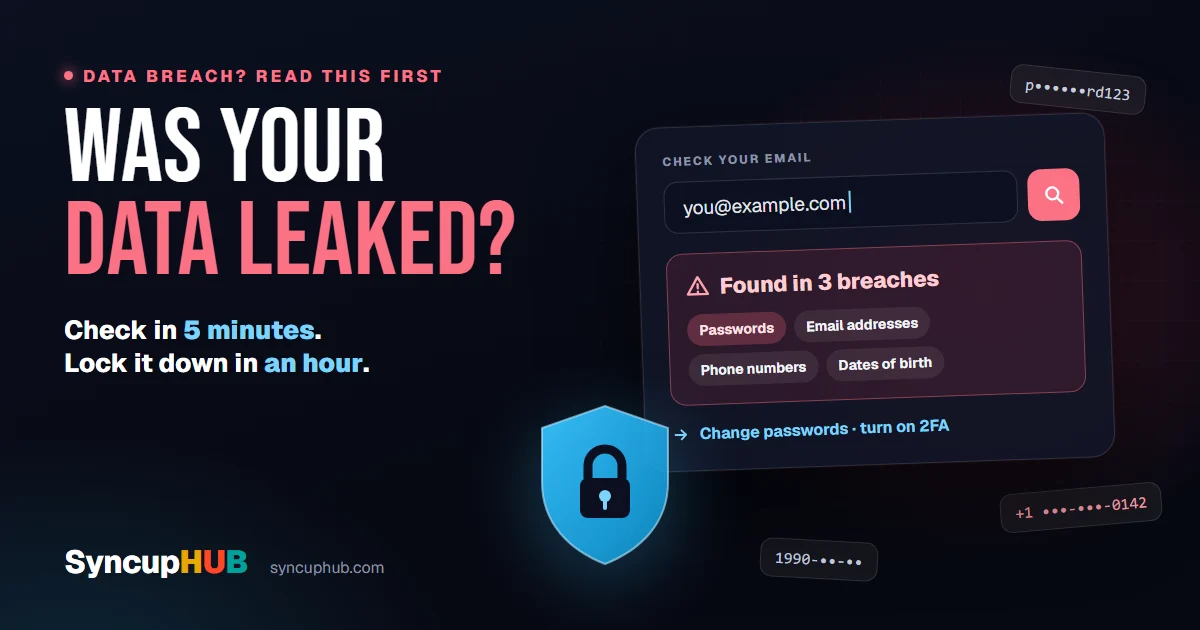
How to check if your data was leaked, and what to do in the next hour
A breach in the news? Check in five minutes whether your email or passwords were exposed, then lock things down in the next hour. Free tools, plain steps.